Drop
Land the image
PNG, JPG or WebP up to 20 MB by dragging it in, pasting with Ctrl+V, or pick a file. Processing begins the moment it arrives.
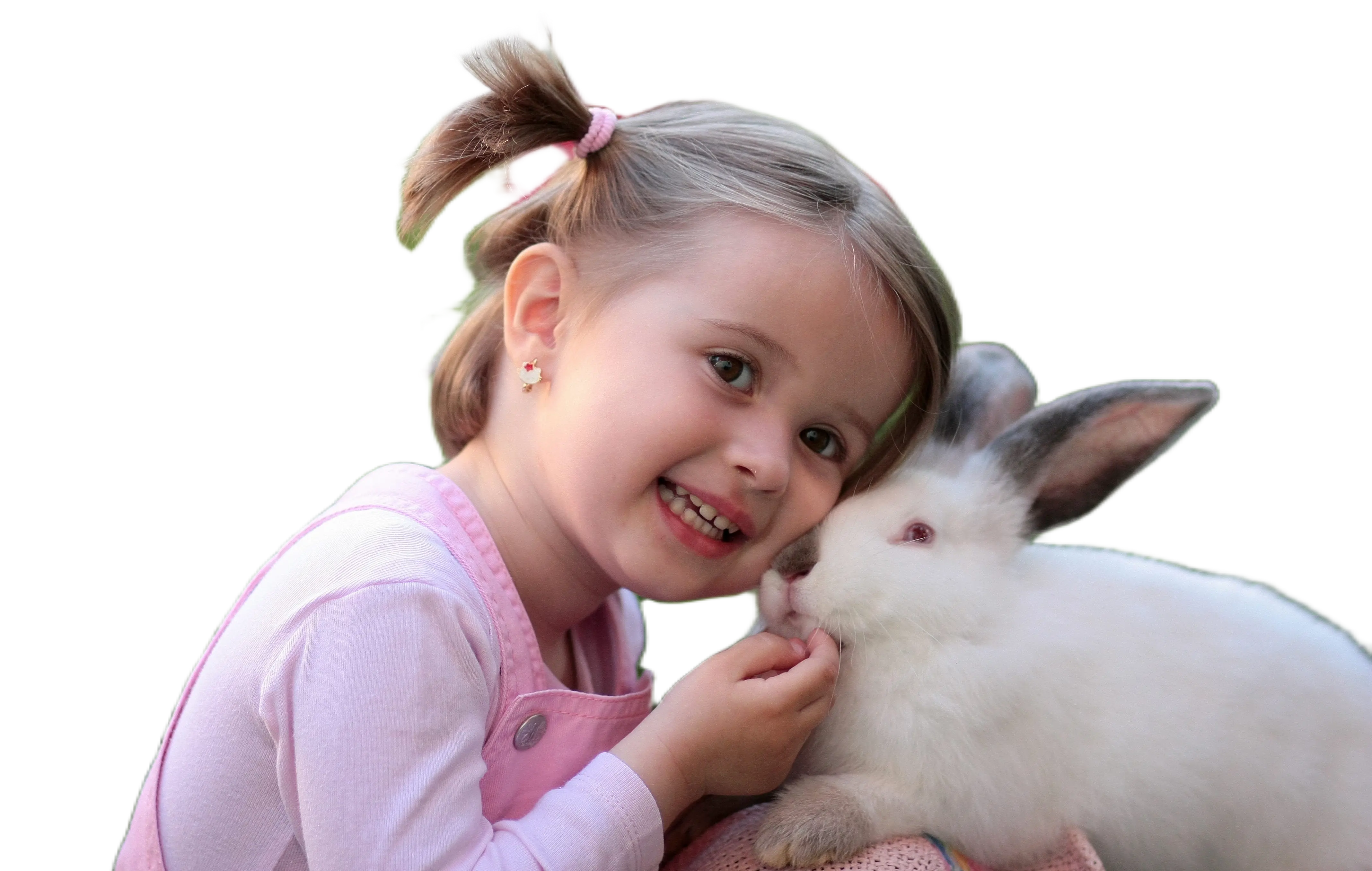
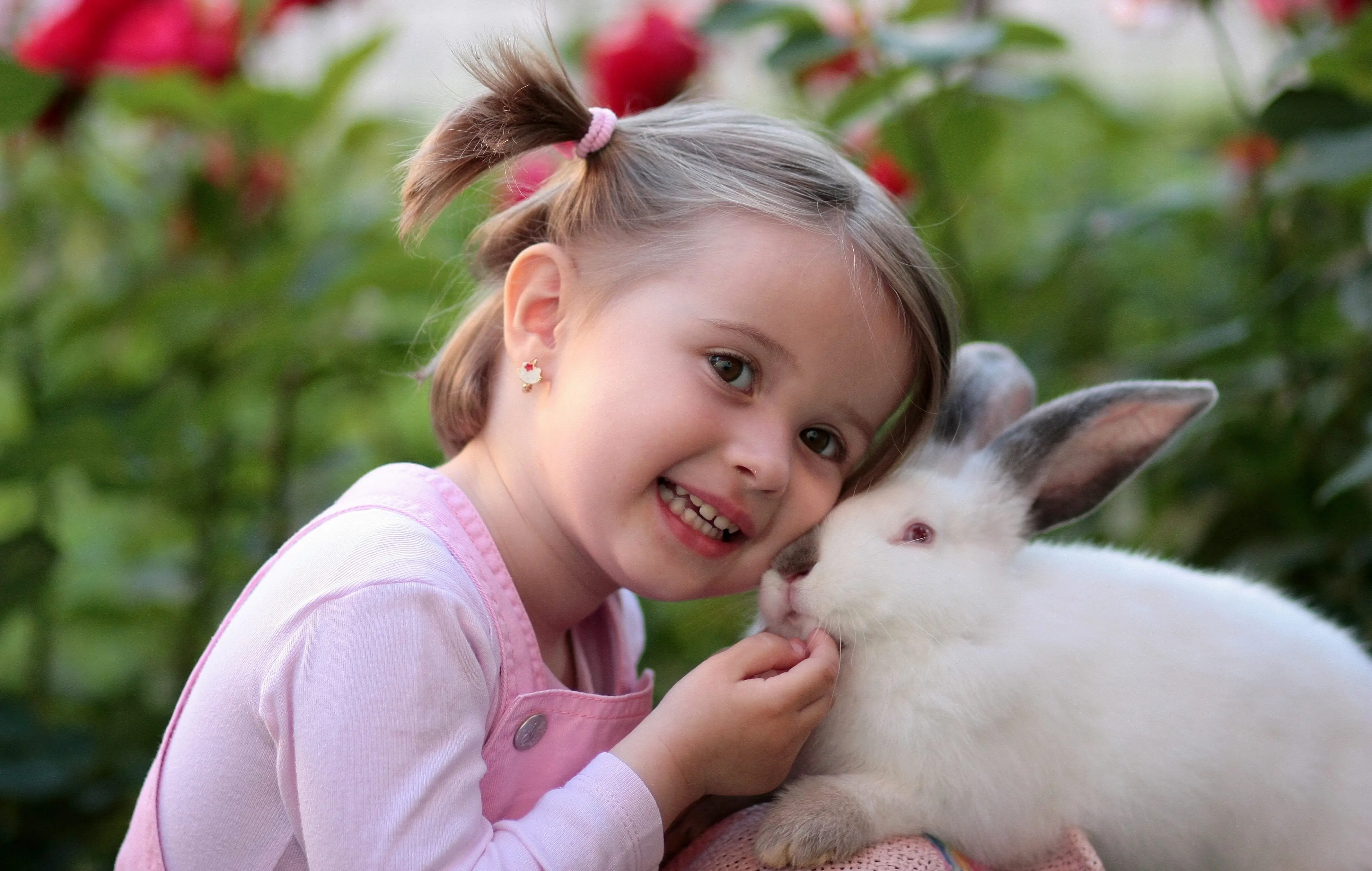
Drop your images here to start cutout
Select PNG, JPG, or WebP files under 20MB.
PNG, JPEG, WEBP · up to 20MB · Ctrl + V to paste
Drop image here
Release to start enhancing
Powered by a high-precision segmentation network running on your local GPU. Drop a frame and the cutout is done before a cloud service would have finished uploading.
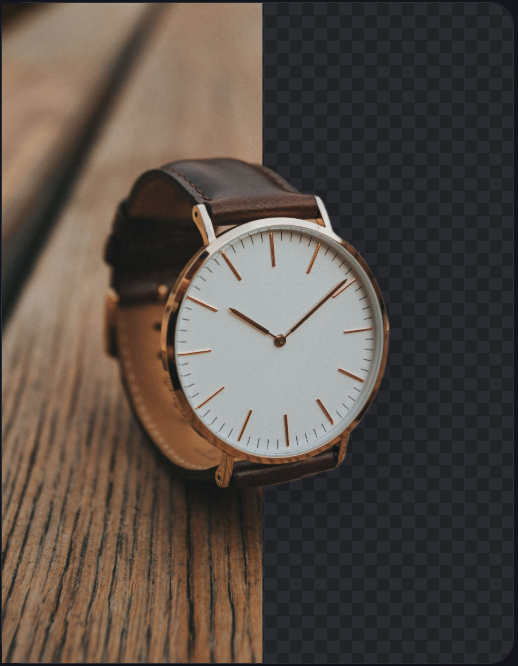
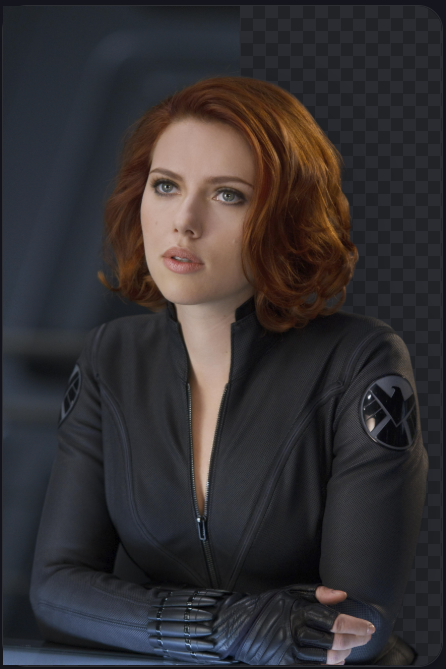
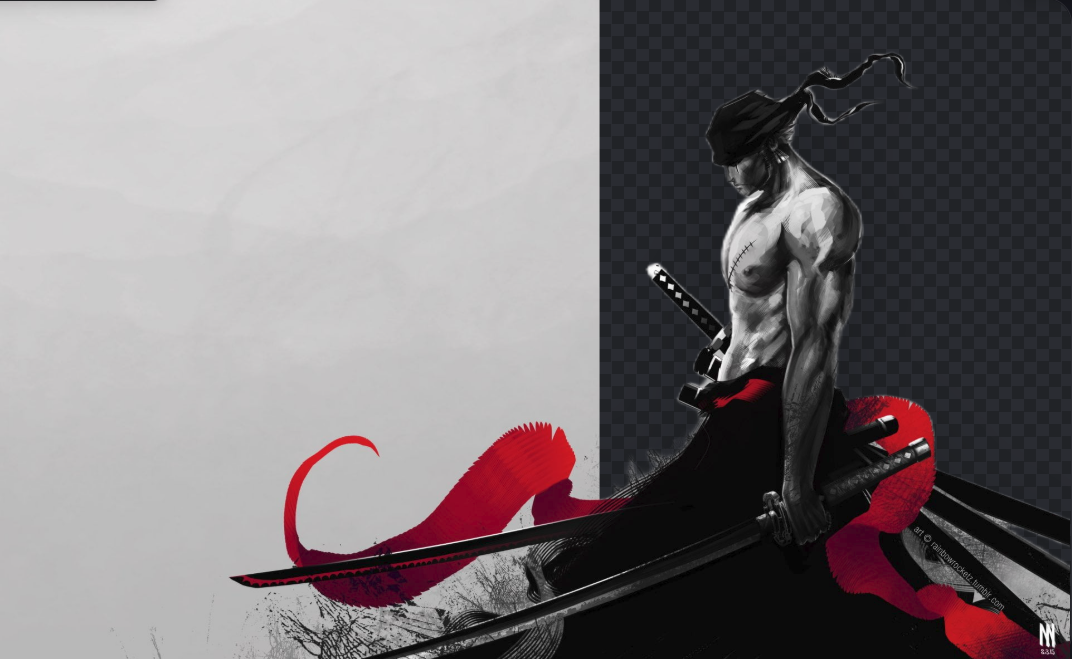
From drag-and-drop to finished cutout without a single byte leaving the machine.
PNG, JPG or WebP up to 20 MB by dragging it in, pasting with Ctrl+V, or pick a file. Processing begins the moment it arrives.
Chopper runs directly on your hardware, leveraging WebGPU when available and WebAssembly everywhere else. Hair, fur and glass edges included.
Brush edges back, swap backgrounds, and add shadows. Then, save as a transparent PNG, WebP, or JPG in a single click.
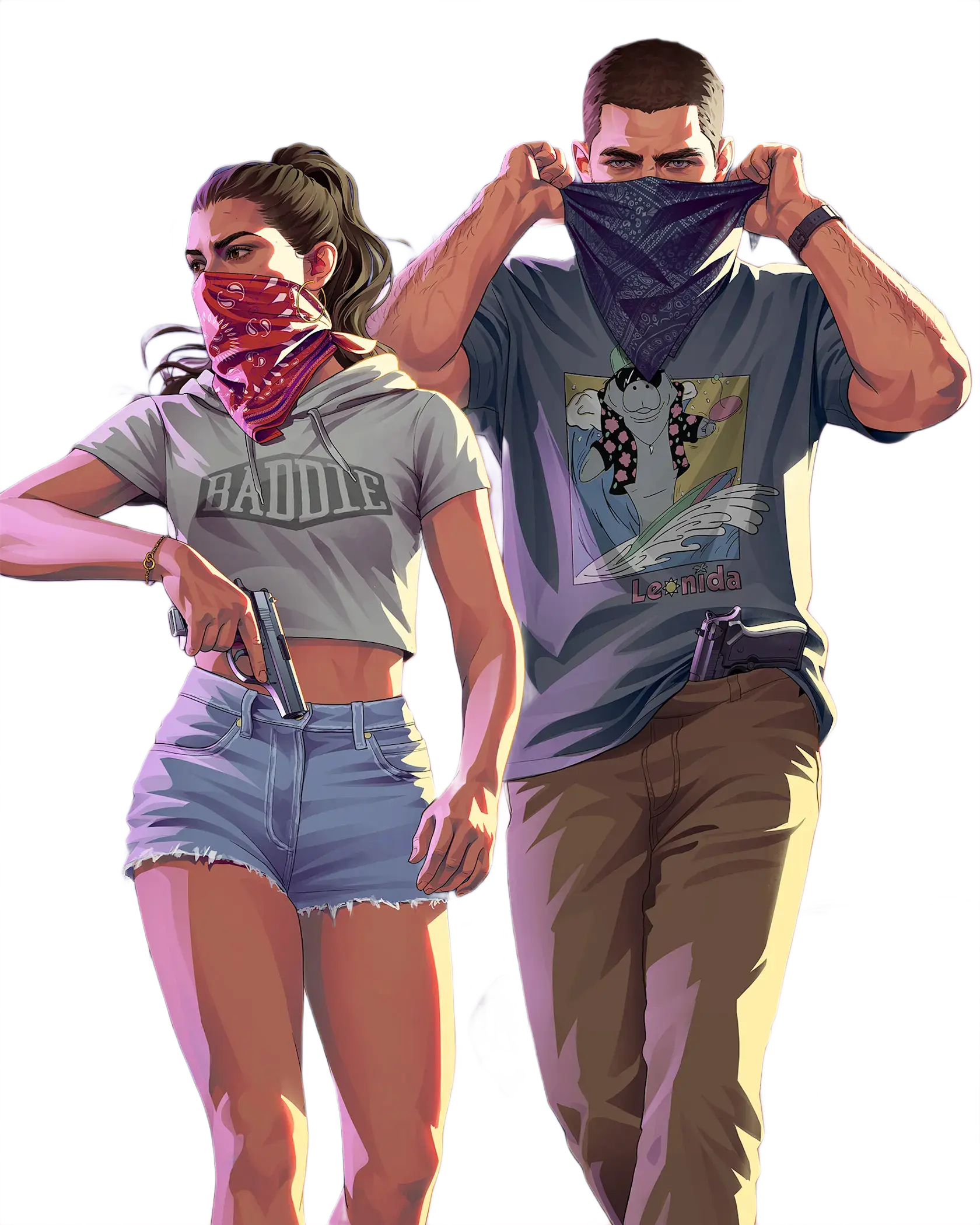
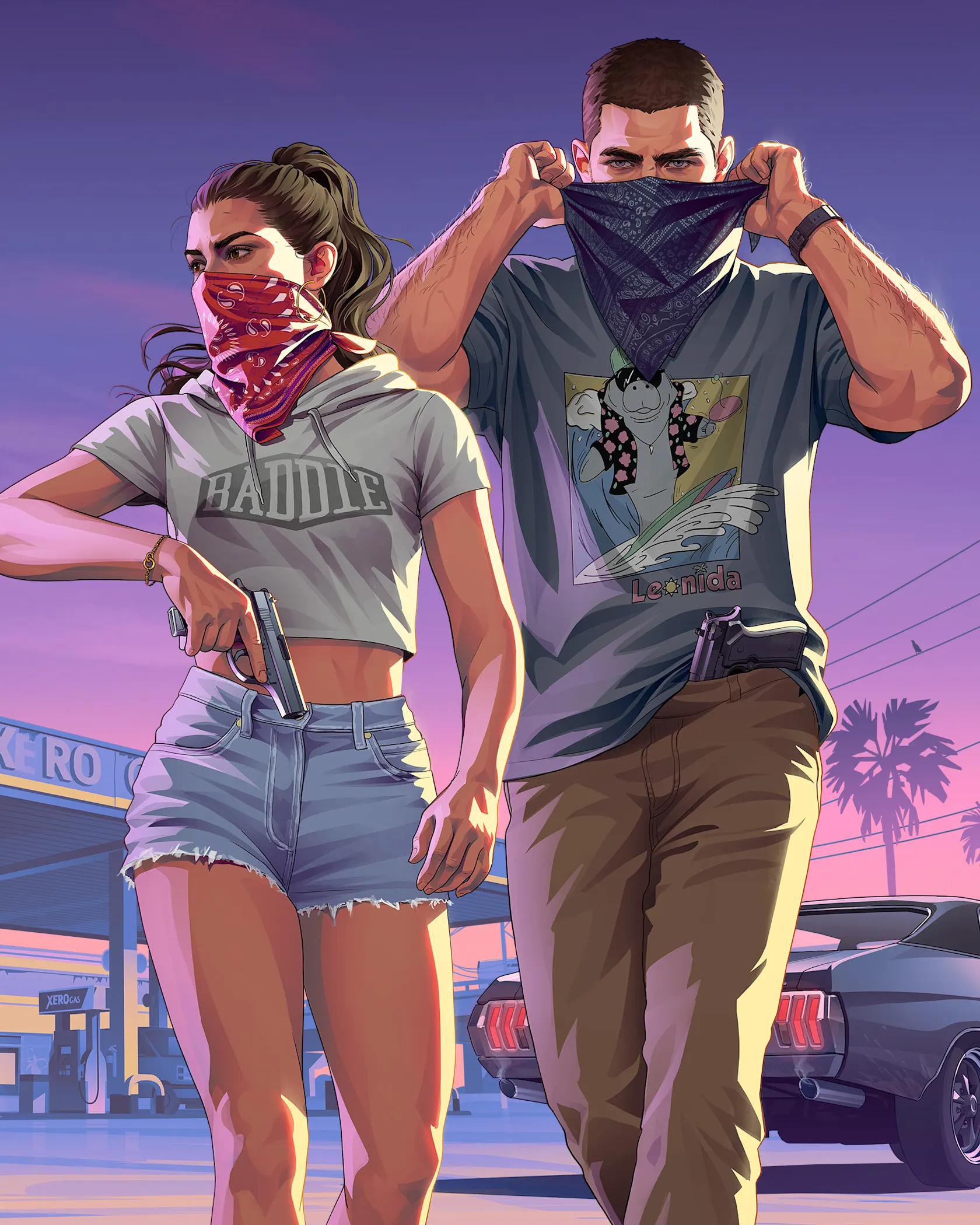
Drag the slider across the frame, the left side shows the original shot, the right shows the isolated subject. Your export keeps exactly what you see here.
Each row runs the exact network you'll use on your own files. Click an option below to start the cutout instantly on the canvas.
Open the Background Remover, drag your image into the upload area, and the AI cutout starts automatically. When it finishes, download the transparent PNG, no sign-up, no credits, no watermark.
Chopper is our ultra-fast default model optimized for rapid cutouts across all devices. Diablo is our premium high-precision neural model powered by a 1024×1024 input tensor and advanced edge matting, engineered specifically to preserve fine flyaway hair, pet fur, transparent glass, and intricate edges with zero halo artifacts.
Chopper is ideal for everyday e-commerce product photos, logos, and general cutouts where speed is paramount. Use Diablo when maximum detail is needed: studio portraits with complex hair, furry animals, semi-transparent fabrics, jewelry, or high-resolution marketing assets.
Once your cutout is generated, you will see a "Refine with Diablo Ultra Precision" option right inside the Cutout tools sidebar. Clicking it instantly switches to Diablo's high-definition matting pipeline. You can also re-process any image with Diablo whenever you need the highest fidelity.
Yes. Both Chopper and Diablo execute 100% on your device using WebGPU with automatic multi-threaded WebAssembly fallback. Once Diablo's neural weights are downloaded to your browser's local cache on first use, it runs completely offline without sending your photos to any cloud server.
No. The AI models run directly inside your browser through WebGPU or WebAssembly. Your photos never leave your device, which makes Pixelify completely safe for private, confidential, or client work.
Upload PNG, JPG, and WebP up to 20 MB. Export as transparent PNG for cutouts, WebP for the web with alpha kept, or JPG flattened onto a solid background.
Yes. Once the cutout is done, open the Background tab to place your subject on a transparent canvas, a solid or gradient color, or your own uploaded photo, then download the composite in one click.
The bilateral-reference architecture is trained specifically on fine boundaries. For standard photos, Chopper preserves edges cleanly; for intricate hair strands, wisps, and fur, the Diablo Ultra Precision model delivers studio-grade alpha transparency.
The neural model downloads to your browser cache on first use. Every image after that reuses the cached weights instantly, so processing drops to just a few seconds on most hardware.