Zero Cloud Uploads100% Private
Your images stay yours.
Pixelify processes your images directly in your browser. Your files stay on your device instead of being uploaded to a processing server.
Client-Side Sandboxing:Active
Processed On-Device
Upscale, restore, and transform your images locally, directly in your browser. No uploads. No cloud processing.
Interactive preview
Explore the workflow before opening a tool.
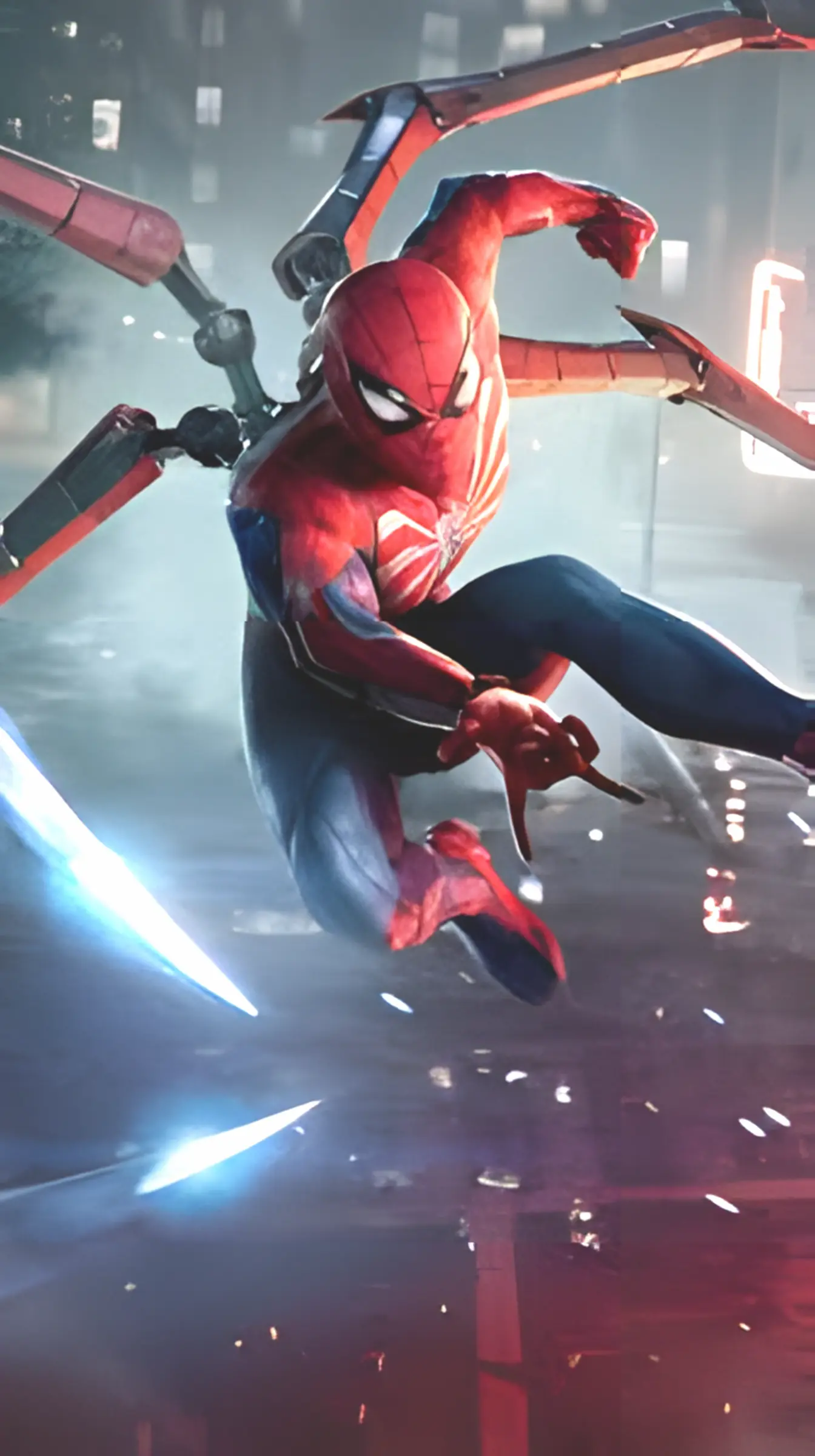
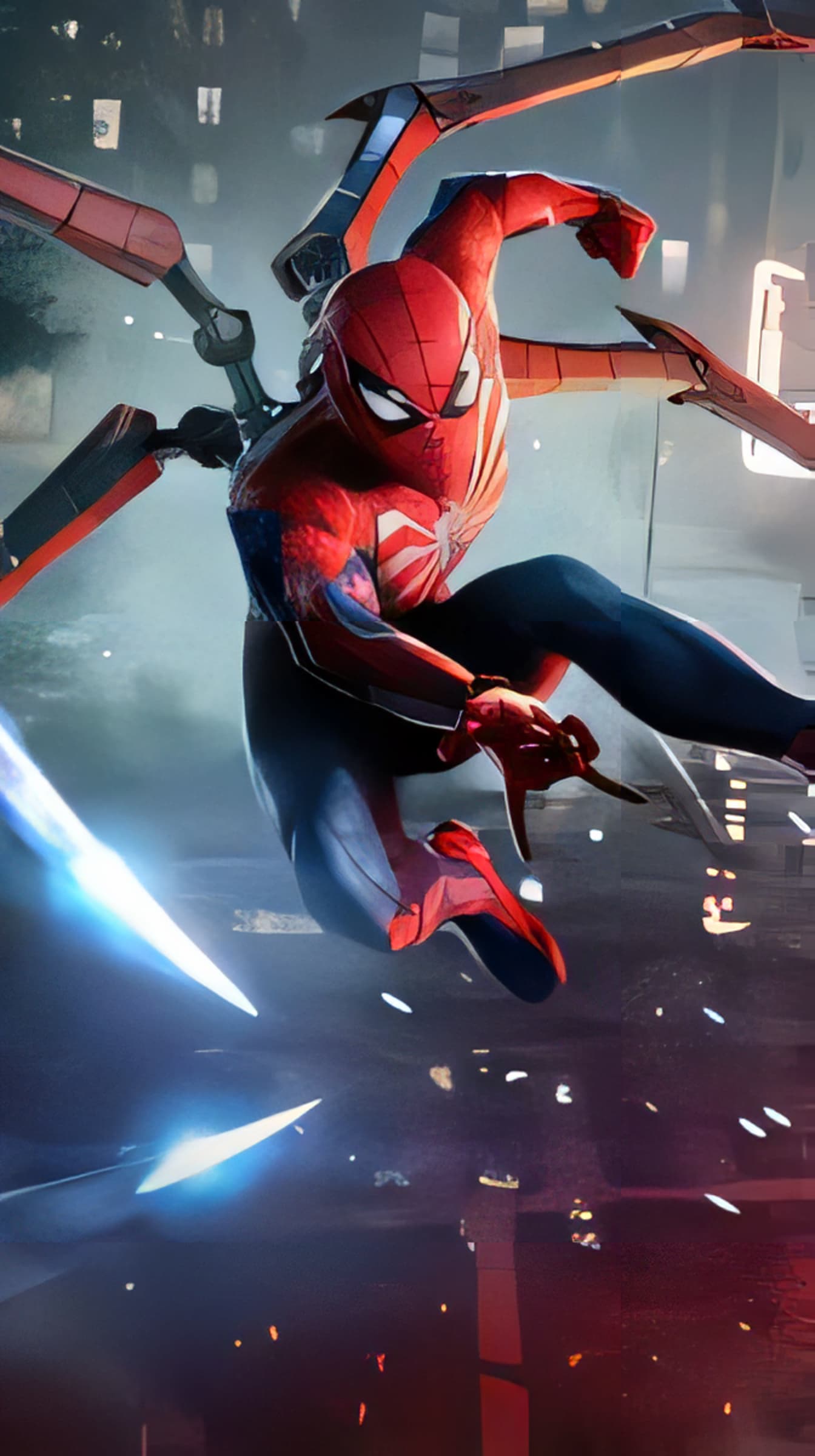
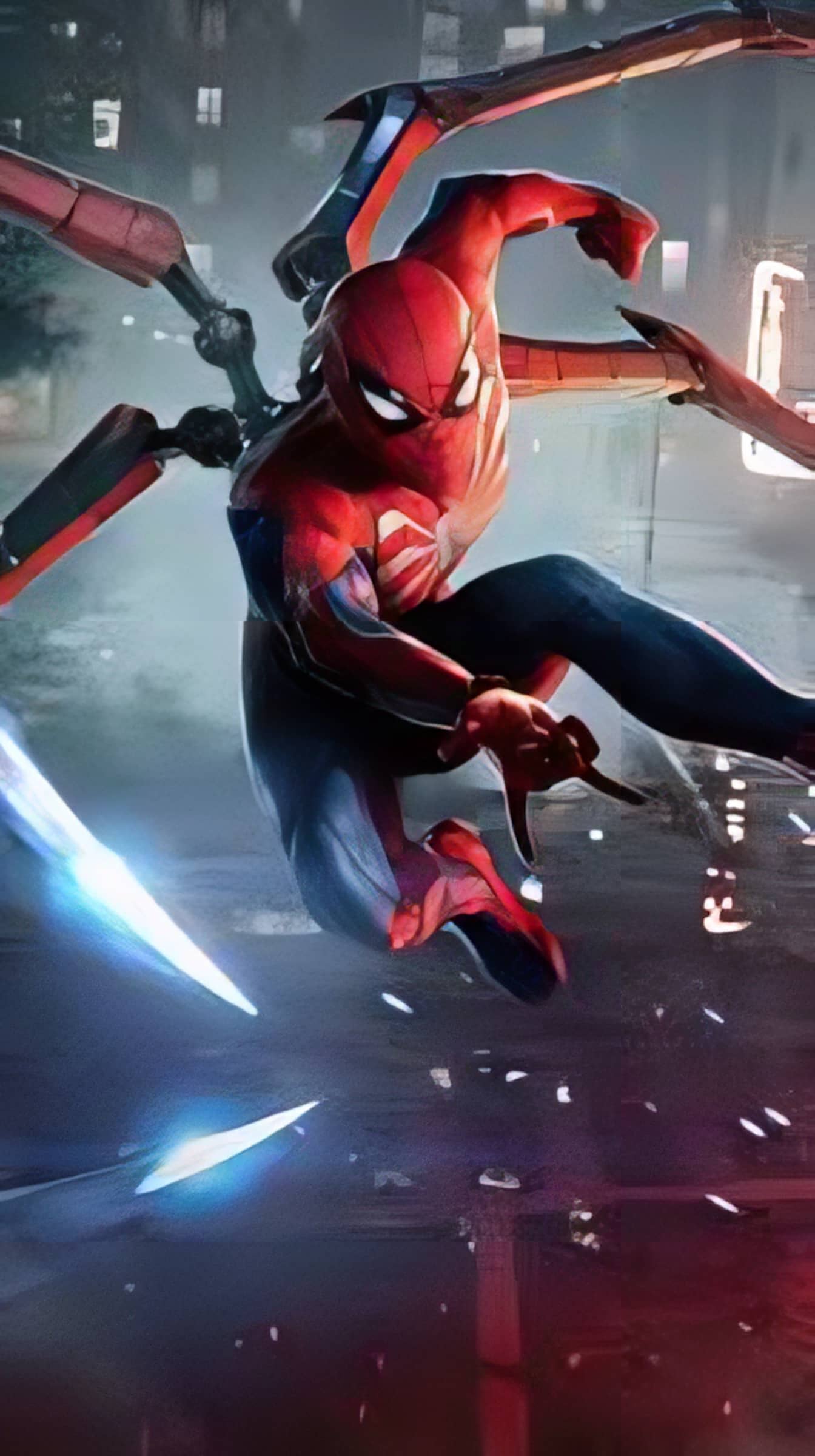
Start with a photo you’d like to sharpen or enlarge.
A simple, guided workflow
This is a product preview. Open the tool to process your own image.
Pick the workstation built specifically for your image processing needs.
Remove backgrounds from portraits, product photos, and complex images in seconds. No tedious manual selection or paid credits required.


Enlarge photos, anime, product images, portraits, and old pictures by 2x, 4x or 8x. AI Upscaler improves clarity and generates cleaner detail in a fast offline workflow.

Enterprise-grade neural networks running completely inside your browser. No cloud queues, no credit tokens, and zero privacy compromises.
Pixelify processes your images directly in your browser. Your files stay on your device instead of being uploaded to a processing server.
Direct GPU shaders via LiteRT and WebGPU eliminate slow server roundtrips for instant real-time processing.
Trained on millions of high-res images to preserve flyaway hair strands, transparent glass, and micro-textures without plastic artifacts.
No $40/month subscriptions, no credit tokens, and no forced downscaling. Generate as many cutouts and upscales as you need.
Model weights cache automatically in your browser. Once loaded once, upscale and edit seamlessly without an active internet connection.
Split-screen compare sliders, transparent alpha matting, custom backdrop replacement, and lossless PNG/WebP exports built for designers.
Real creators sharing why they ditched cloud subscription models for fast, private in-browser neural processing.



The AI runs right in your browser using WebGPU and ONNX Runtime, so your images stay on your device—not on someone else’s server.
Yes—no subscriptions, credits, watermarks, or surprise paywalls; just upload, edit, and download.
Upscale images up to 40 MB and 16K resolution (16,384 × 16,384 px)—your device’s memory is the only real boss here.
Once the AI models are cached, you can process images offline—perfect for flights, commutes, or Wi-Fi that decided to take a day off.
Chopper is designed to preserve tricky details like hair, fur, and fine edges, so your subject doesn’t end up looking like it lost a fight with scissors.
Yes! Pixelify works on supported mobile browsers too, using WebGPU or a compatible WASM fallback when available.
Your images stay on your device during processing; even our site-visit counter has no business knowing what you’re editing.
Open Settings and select “Clear downloaded models”—a quick cleanup without having to clear your entire browser cache.